

MOBILE PAYMENT
- Say goodbye to your physical bank card! Pay for your purchases in store and online, simply with your smartphone or smartwatch.
- Enjoy a modern, fast, and secure solution.
- Compatible with all Nickel cards, for even smoother and simpler management of your expenses.

Mobile payment applications compatible with Nickel


Where to use mobile payments?
Mobile payment is now universally accepted. You can be assured of being able to use it in a multitude of places, whether it's your usual local shops or large e-commerce sites.


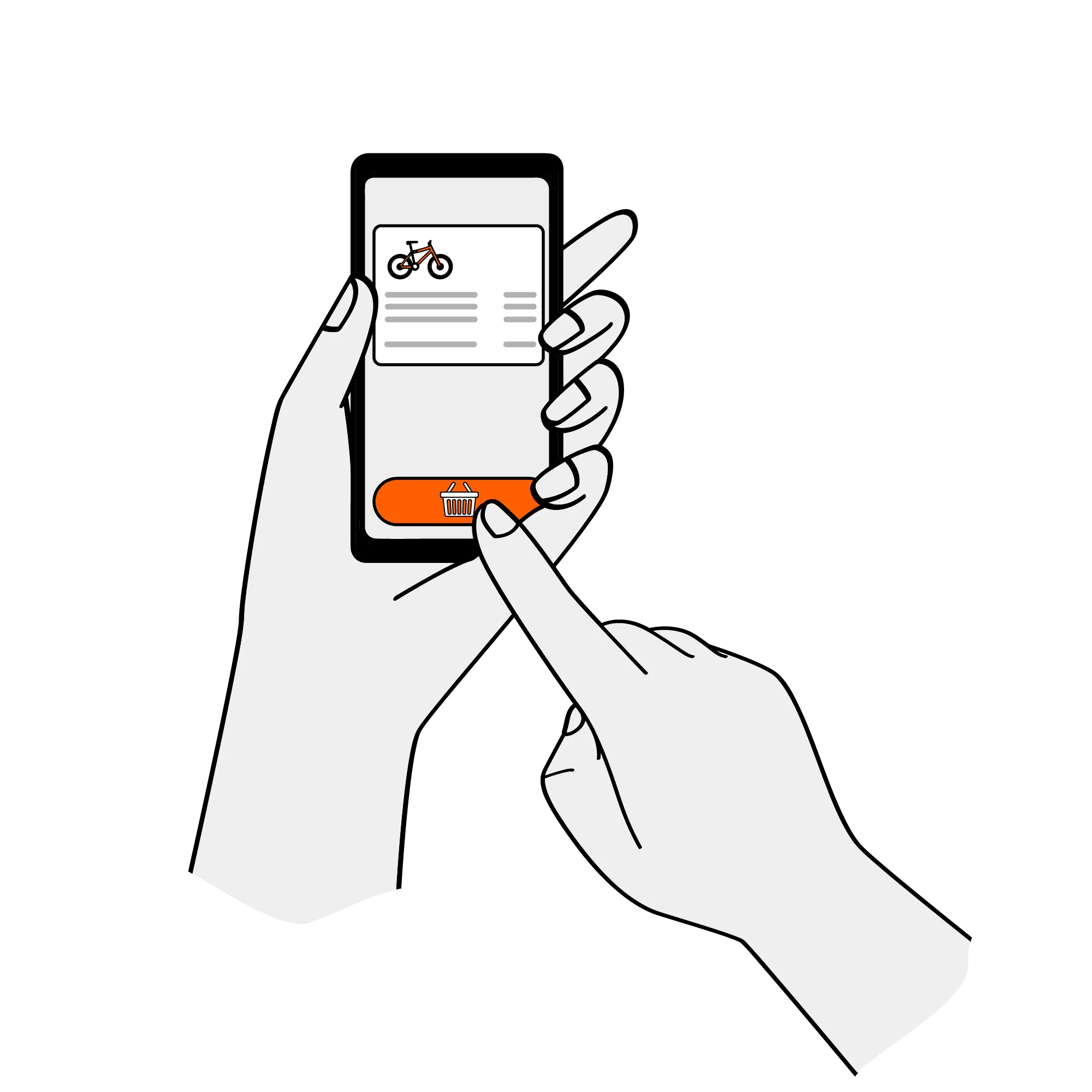
How does a mobile payment application work?
- 1
Dematerialization (tokenization):Your Nickel card is replaced by a virtual and unique token on your device. Your real information remains secret.
- 2
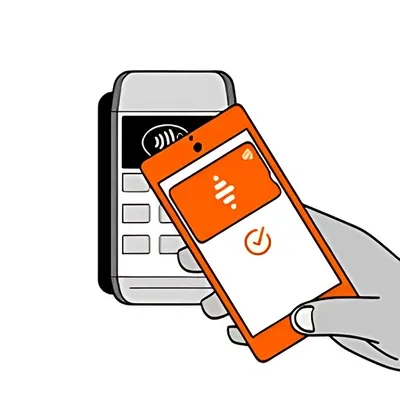
In-store payment (NFC) : You bring your smartphone close to the payment terminal.
- 3
Secure transmission :Only the token is sent to the merchant (not your card number).
- 4
Authentication and Validation: You confirm the purchase on your smartphone (fingerprint, Face ID, PIN code) to validate the transaction.
Mobile payment and contactless payment: what's the difference?
It is common to confuse mobile payment and contactless payment, but although they are closely related, they do not mean exactly the same thing.
- Contactless payment: approaching a card or compatible device (NFC) to a terminal to pay without physical contact or code.
- Mobile payment: : a form of contactless payment using a mobile device (smartphone, watch) via services such as Apple Pay or Google Pay.
The main distinction is security: unlike contactless card payment (often without a code for small amounts, e.g., up to €50), mobile payment almost systematically requires strong authentication (biometrics or PIN on the device) for each transaction, making the operation safer even in case of theft.
What are the best mobile payment applications?
The choice of the best mobile payment application mainly depends on your device's ecosystem and your personal preferences. Each solution offers an optimized experience for the devices it supports.
To help you see more clearly, the table below summarizes the main mobile payment solutions compatible with Nickel, detailing their specific features.
| Solution | Compatible Devices | Nickel Compatibility | Key Points |
|---|---|---|---|
| Apple Pay | iPhone, Apple Watch, iPad, Mac | ✅Yes | Native integration on Apple devices, high security via Face ID/Touch ID, in-store and online payments. |
| Google Pay | Android smartphones, some smartwatches (Wear OS) | ✅Yes | Broad Android compatibility, NFC payment in store, simplified online payments. |
| Samsung Pay | Samsung Galaxy smartphones and smartwatches | ✅Yes | NFC and MST for broad in-store acceptance, secured by Samsung Knox. |
| Click to Pay | Any connected device (via web browser) | ✅Yes | Simplifies online payments, no need to enter card details, fast authentication. |
| Garmin Pay | Compatible Garmin smartwatches | ✅Yes | Ideal for athletes, wrist payment, secured by PIN on the watch. |
| Wero | Android and iOS smartphones (gradual rollout) | ✅Yes | New European initiative for instant and mobile payments, enhanced security. |