

WERO: YOUR PAYMENTS
Wero allows you to send or receive money with just a phone number or email address.
A last-minute concert? Your friend covers your ticket. Pay them back instantly with Wero! No more asking for their bank details! It's as simple as Nickel!

WERO IS ...


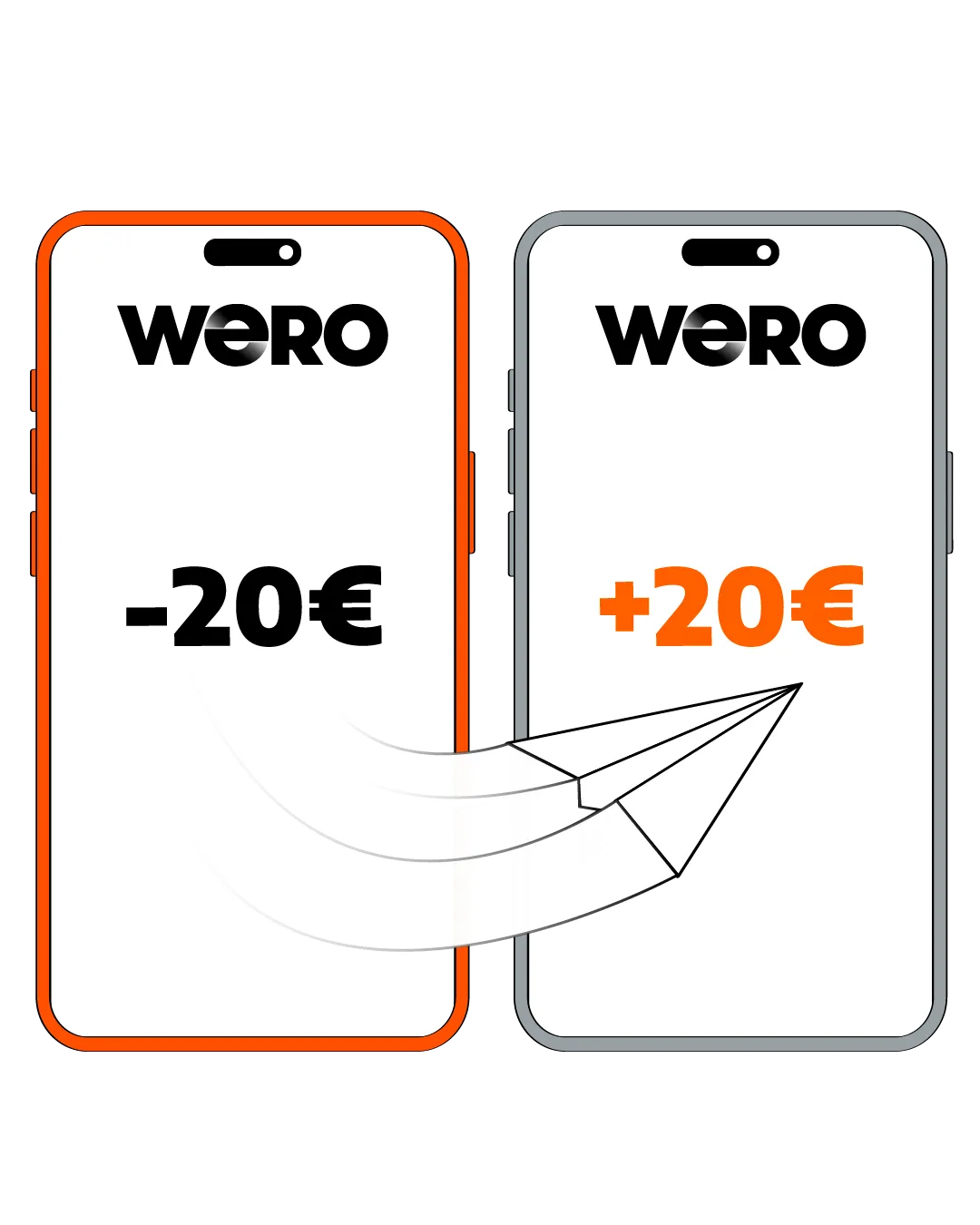
How to “Wero”?
Go to "Transactions" then "Use Wero".
In just a few seconds.
Enter your password to confirm the payment.



FAQ
From your Nickel application, go to "Transactions", click on "Activate Wero", accept the General Terms and Conditions of Use, and confirm by entering your password.
Log in to your Nickel application, go to "Transactions", and click on "Use Wero". Then select your recipient and enter the amount you wish to send them. Confirm the request and validate using your password.
To receive money with Wero, simply activate the service from your Nickel application. Upon receiving a payment, a notification will appear on your phone, and the money will be directly credited to your account. You can then check your Nickel balance.
- Wero stands out for its simplicity: it enables instant payments, 24/7, by using only the recipient's phone number. The recipient must also have activated Wero in their banking application.
- To make a bank transfer (standard or instant), you need to register your recipient's IBAN. Depending on your institution, you may have to wait 24 hours for it to be validated before you can send a transfer. An instant transfer is immediate and available 24/7. A standard transfer is processed within 24 to 48 hours and only during banking business days. Therefore, a standard transfer does not process on weekends, public holidays, and sometimes not even on Mondays in some banks if the request was made on the weekend.
In all three cases, the operation is free for both the sender and the recipient.
Plus
The other night, my sister paid for my movie ticket. Thanks to Wero, I paid her back in just a few seconds.
Marie P.